





Artlist.io: A Practical Guide For Modern Content Creators
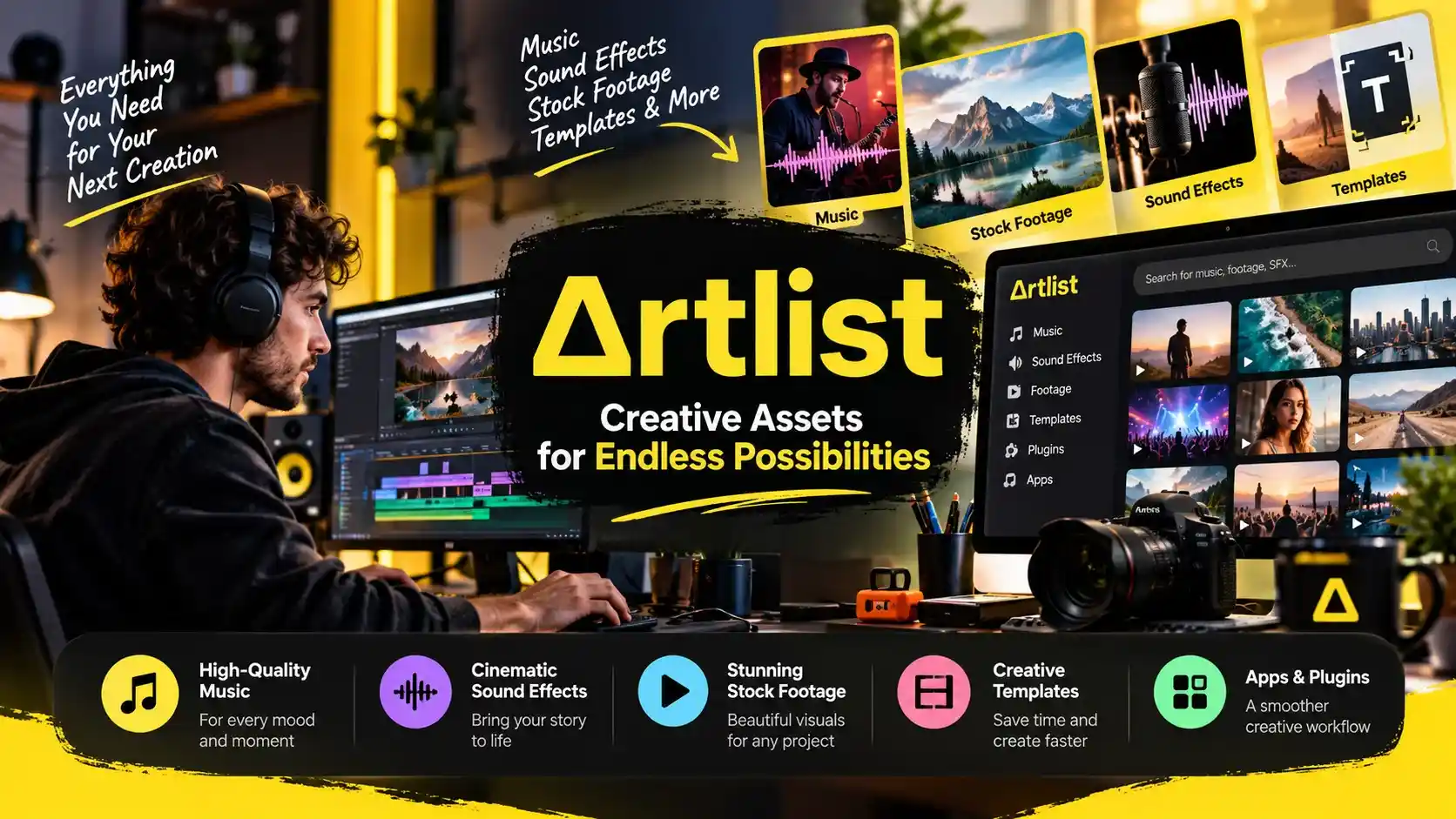

This article focuses on how creators can evaluate Artlist for real production work, what to consider before subscribing, how to approach account access, and which details matter when comparing plans. The goal is to help you decide whether the platform fits your workflow, rather than simply repeat a list of features.
More Than A Library Of Creative Assets
Finding the right soundtrack, sound effect, or video clip can take longer than expected. A creator might spend hours searching for music that matches a scene, only to discover that the licensing terms do not fit the intended project. Artlist aims to simplify this process by bringing creative assets and production tools into one platform.
The library includes music, sound effects, stock footage, templates, and other resources, depending on the selected subscription. This makes it useful for YouTubers, filmmakers, social media managers, freelance editors, and marketing teams working with different content formats.
Getting Started Without Wasting Time
The first step is understanding what you actually need. Someone producing weekly YouTube videos may mainly need background music and sound effects, while a marketing team might require footage, templates, and tools for larger campaigns.
The artlist.io login process supports sign-in through Google, Facebook, or email and password. After entering an account, users can review their subscription, license information, and other account details. If access becomes an issue, the password reset option provides a straightforward recovery route.
Before downloading anything, it helps to create a shortlist of assets for the next project. This keeps the search focused and reduces the temptation to collect resources that may never be used.
Finding Music That Fits The Story
Music can change how an audience understands a scene. A quiet instrumental track may suit a travel montage, while energetic music can give a product video more momentum. Artlist helps creators explore music and sound effects for different moods, styles, and production needs.
The most useful approach is to search with the scene in mind. Consider the pacing, emotion, audience, and length of the final video before choosing a track. Sound effects deserve similar attention because small details can make transitions, demonstrations, and cinematic sequences feel more complete.
What An Artlist.io Review Should Consider
A useful artlist.io review should look beyond the size of the library. Asset quality, search convenience, licensing coverage, subscription cost, and the time saved during production all influence whether the service is worthwhile.
For an independent creator, the biggest benefit may be finding suitable music without repeatedly searching separate websites. For an agency, the value may come from combining several asset types within one workflow.
However, the platform will not automatically improve weak storytelling or poor editing. Creators still need to choose appropriate assets, balance audio levels, and build a clear narrative. The subscription is most valuable when it solves a regular production problem rather than becoming another tool that sits unused.
Understand The License Before Downloading
Licensing is one of the most important parts of any creative subscription. Artlist offers different license types for different publishing needs. Its Social license is intended for eligible personal channels, while Pro options cover broader uses, including client work and commercial projects, subject to the applicable terms.
Projects created and published while an eligible subscription is active can remain covered after the subscription ends. However, that does not mean downloaded assets can be used freely in every future project. New projects generally require an active subscription with the appropriate license.
This distinction matters for freelancers and businesses creating advertisements, branded videos, or content for clients. Always check the license attached to the chosen plan before publishing.

Is Artlist.io Pricing Worth It?
| Plan | Price | Best For | Key Features |
|---|---|---|---|
| AI Starter | From $11.99/month | Beginners and casual creators | AI image, video, music, and voiceover tools, depending on selected credits |
| AI Core | From $23.99/month | Regular content creators | 40,000 credits, 100+ AI models, and unlimited generations on selected models |
| AI Creator | From $41.67/month | Professional creators | 80,000 credits, AI tools, Artlist Studio, and unlimited generations on selected models |
| Artlist Max | From $50.66/month | Creators needing stock and AI tools | Music, sound effects, footage, templates, plugins, and AI Toolkit |
| Max Business | From $399/month | Businesses and agencies | 180,000 credits, seven team members, business licensing, and collaboration tools |
| Custom Business | Custom pricing | Large organizations | Tailored licensing, custom credits, enterprise security, and dedicated support |
The right artlist.io pricing option depends on the assets and permissions you require. A creator who needs only music may not benefit from paying for a much broader package. Someone producing complete campaigns could find additional footage, templates, and AI tools more useful.
Current subscriptions include options focused on music and sound effects, footage and templates, AI production, and broader creative access. Some plans offer monthly payments, while others require annual billing. Exact prices and available features can vary by plan, so review the current checkout details before committing.
Rather than comparing subscription prices alone, estimate how often you produce content and how many separate resources you would otherwise purchase. That gives you a more realistic picture of the potential value.
Build A Workflow That Actually Works
A creative library becomes more useful when it fits naturally into your routine. Save promising tracks during research, organize downloaded assets by project, and keep license records where you can find them later. These habits reduce repeated searches and make project handovers easier.
For teams, confirm who needs access and whether the selected subscription supports multiple users. Sharing account credentials is not permitted under Artlist’s licensing guidance, so each user should have the appropriate access.
The Final Decision
Artlist is worth considering if creative assets are a regular part of your work. Its strongest appeal is the ability to source several production resources through one service, with licensing options designed for different publishing needs.
Before subscribing, identify your most frequent projects, compare the available plans, and read the license conditions carefully. A thoughtful choice can save time and make production more consistent without paying for features you rarely use.