

How to Protect Your Personal Data From AI-Powered Scams
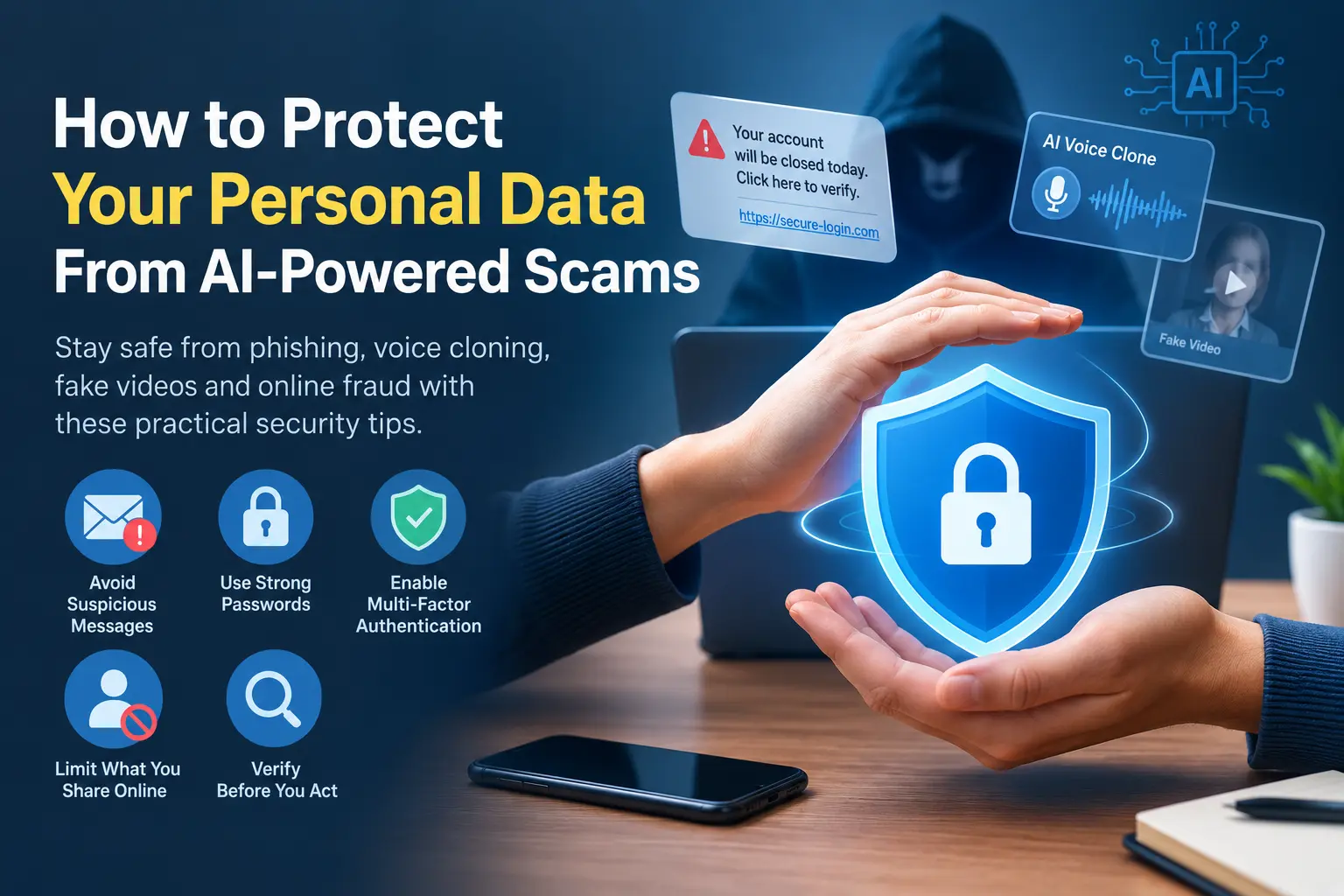

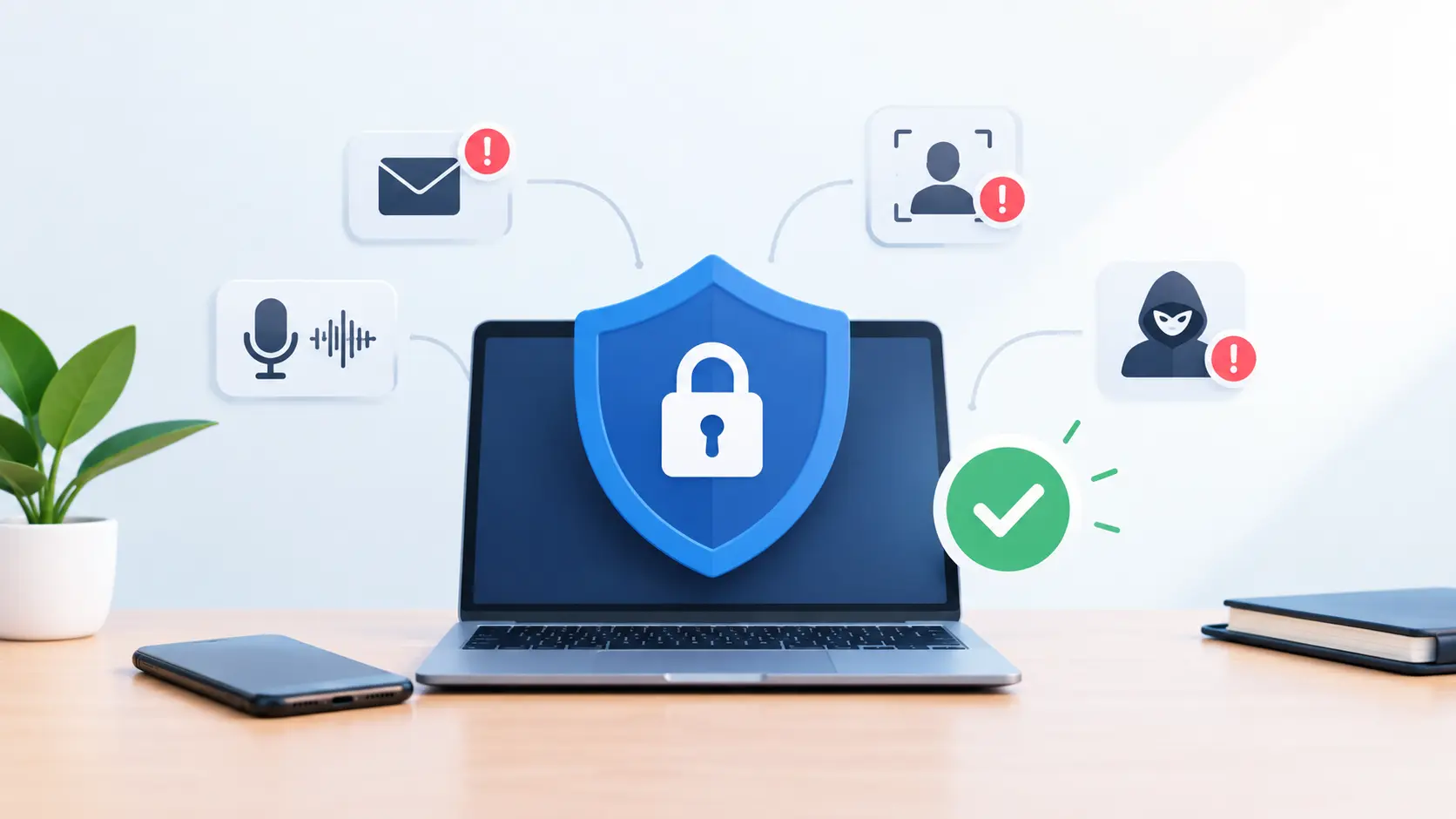
Artificial intelligence is making technology smarter and more useful, but scammers are also using AI to make online fraud more convincing. From realistic phishing messages and cloned voices to fake images and personalized scams, cybercriminals can now create deceptive content faster than ever.
The good news is that you can significantly reduce your risk by following a few practical security habits. Here’s how to protect your personal data from AI-powered scams.
1. Be Careful With Unexpected Messages
AI can help scammers create emails, SMS messages, and social media messages that look professional and personalized. A message may appear to come from your bank, employer, delivery company, or even someone you know.
Don’t click links or download attachments simply because a message looks legitimate. Instead, open the company’s official website or app directly and check whether the request is genuine.
Pay particular attention to messages that create urgency, such as “Your account will be closed today” or “Make this payment immediately.”
2. Never Share Sensitive Information Casually
Avoid sharing sensitive information through unsolicited emails, messages, calls, or social media conversations.
This includes passwords, one-time passwords (OTPs), banking information, credit card details, government identification numbers, recovery codes, and private documents.
Remember that legitimate organizations generally have established procedures for handling sensitive information. If someone unexpectedly asks you to reveal confidential details, verify their identity through an independent channel first.
3. Don’t Trust a Voice or Video Alone
AI voice cloning and synthetic video technology can make it possible to imitate someone’s voice or appearance.
For example, you might receive a call that sounds like a family member asking for money or a video call from someone who appears to be a colleague.
If a request involves money, passwords, account access, or other sensitive information, verify it separately. Call the person using a phone number you already have rather than replying to the suspicious message or call.
4. Use Strong, Unique Passwords
Reusing the same password across multiple websites can turn one compromised account into a much bigger security problem.
Use a different, strong password for every important account. A password manager can help generate and store unique passwords so you don’t have to remember all of them.
For especially important accounts, such as email, banking, and cloud storage, strong passwords should be combined with additional security measures.
5. Turn On Multi-Factor Authentication
Multi-factor authentication (MFA) adds another layer of protection to your accounts.
Even if a scammer manages to obtain your password, they may still be unable to access the account without the additional authentication method.
Enable MFA wherever it is available, particularly for email, financial services, social media, cloud storage, and work accounts.
6. Limit What You Share Online
Scammers can use publicly available information to make their attacks more believable.
Avoid unnecessarily sharing details such as your full date of birth, home address, personal phone number, travel plans, workplace information, or answers to common security questions.
Review your social media privacy settings regularly and remove information that strangers don’t need to see.
7. Verify Before You Act
One of the most effective defenses against AI-powered scams is simply slowing down.
Before sending money, opening an attachment, sharing information, or approving an account request, stop and verify the situation.
If someone claims to represent a company, contact that company through its official website or published customer-service number. Don’t rely on contact information provided in a suspicious message.
Conclusion
AI-powered scams are becoming more sophisticated, but basic cybersecurity practices remain highly effective. Be cautious with unexpected communications, protect sensitive information, use unique passwords and MFA, limit personal information online, and independently verify unusual requests.
Most importantly, don’t let urgency force you into making a quick decision. Taking a few extra minutes to verify a request can prevent a much bigger problem later.